The runs table
Opening a project shows its runs table — the main place to find and triage runs. Each row is a run; columns show its attributes and metric summaries.
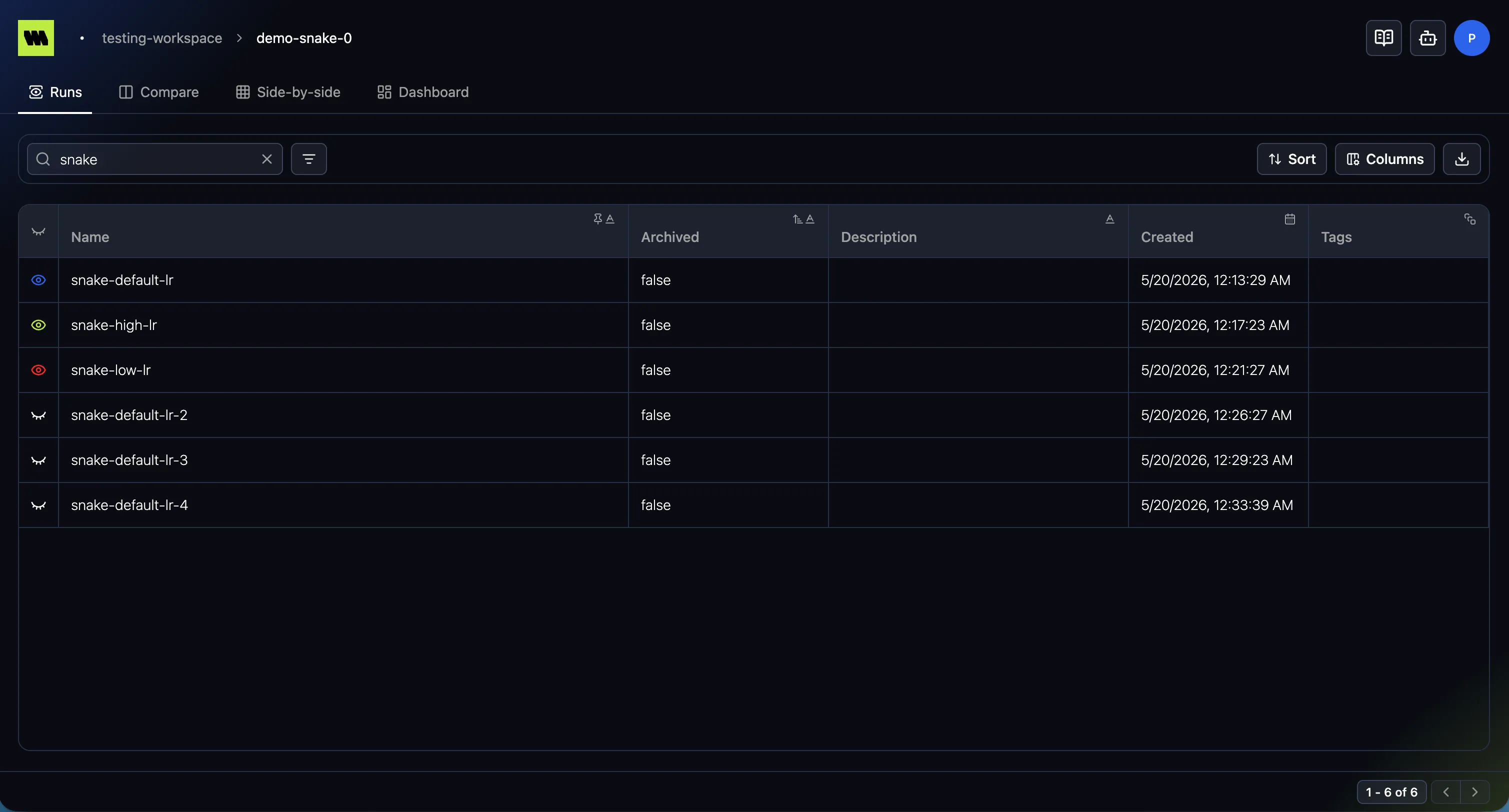
Click a run’s name to open its Overview.
Browsing & controls
Section titled “Browsing & controls”The runs table uses the shared table controls — search, filter, sort, columns, pagination, and CSV export. In the runs table you filter and add columns from default fields (name, created, …), your logged attributes, and metric summaries.
Run status
Section titled “Run status”A small colored dot next to the run’s name shows its status, so you can tell at a glance what’s still going and what stopped unexpectedly. Hover the dot for its label.
| Indicator | Status | Meaning |
|---|---|---|
| Green, pulsing | Running | The run is active and logging. |
| Gray | Created | The run has been initialized but hasn’t logged data yet. |
| Red | Crashed | The run stopped without closing cleanly. |
| (no dot) | Closed | The run finished cleanly — your code called metrana.close(). |
A run that completed normally carries no indicator — the dot marks runs that are either still going or ended badly, so an unadorned row is the healthy case.
Crashed is the one to watch: the process went away without a clean shutdown, so the run may be missing data logged near the end. See Lifecycle for how closing works and why it matters.
The same indicator appears next to the run name in the breadcrumb once you open a run.
Live updates
Section titled “Live updates”While any run in the view is Created or Running, the table refreshes itself every 15 seconds — you can leave it open on a training job and watch rows progress without reloading the page. Once every run has reached Closed or Crashed there’s nothing left to poll, so the refreshing stops.
Row actions
Section titled “Row actions”Hover a row to reveal its actions:
- Copy run name — copies the name to your clipboard (shows “Copied”).
- Customize color — pick the run’s color, used when it appears in comparisons.
- Archive / Unarchive — archive a run to hide it from the default view, or restore it.