Workspaces
A workspace is the top-level container in Metrana. It holds your projects and its members. Most teams use a single workspace; you can belong to several.
Workspaces are private to their members by default, and can be made publicly readable if you want to publish results.
The Workspaces hub
Section titled “The Workspaces hub”When you sign in you land on the Workspaces hub — a table of every workspace you belong to, with a Projects count for each. Click a workspace’s name to open that workspace’s projects.
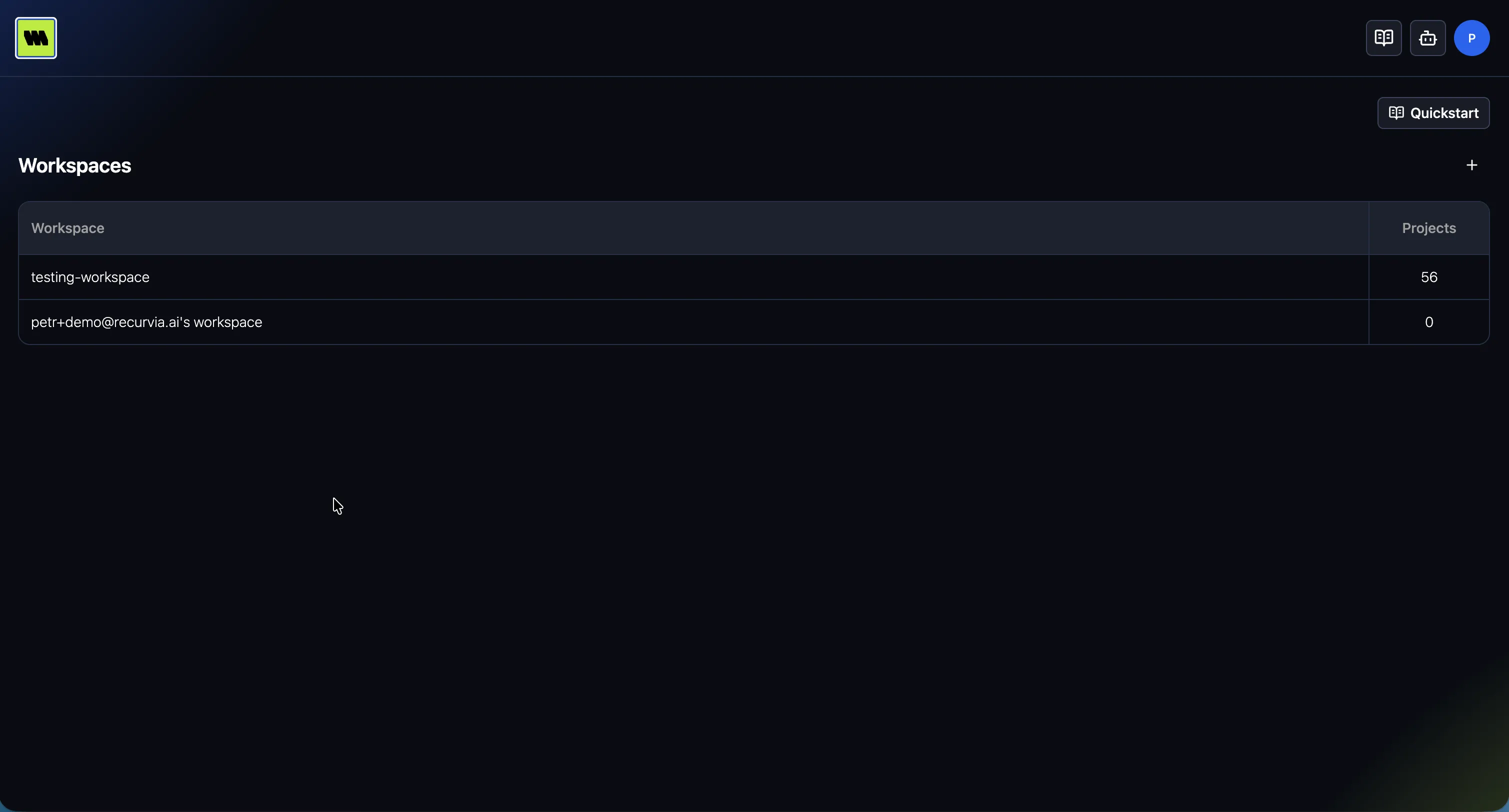
The portal remembers the workspace you used last and takes you straight there on your next visit.
Create a workspace
Section titled “Create a workspace”Use the + button on the Workspaces hub. In the Create workspace dialog, enter a Name and
confirm. (Names can’t contain an @.) The new workspace opens ready for its first project.
Switch workspaces
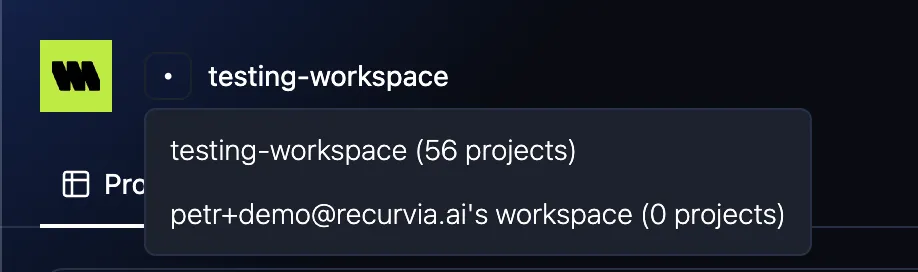
Section titled “Switch workspaces”From anywhere in the portal, use the Switch workspace control in the header to jump to another workspace you belong to. Each entry shows its project count.
Workspace settings
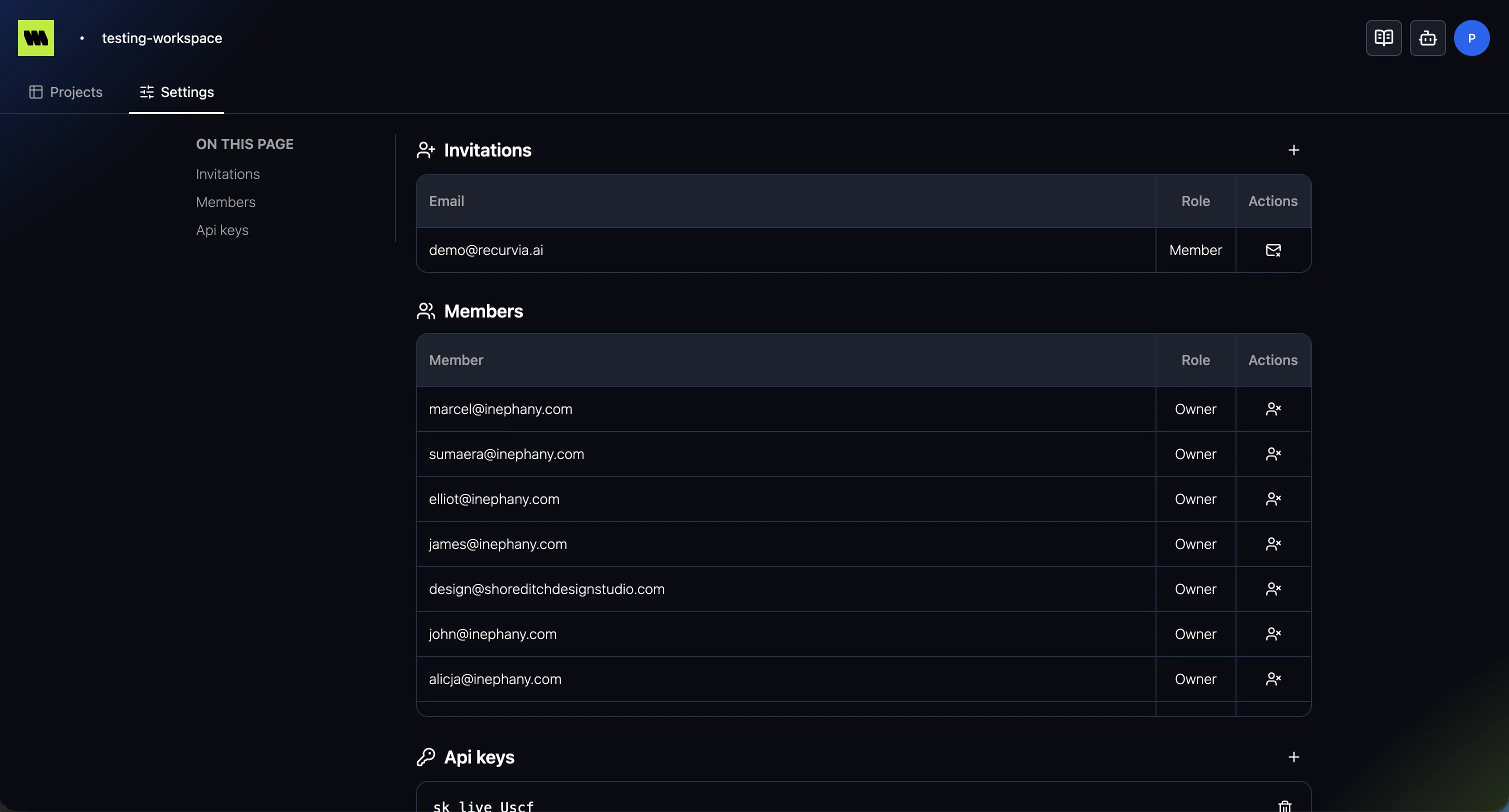
Section titled “Workspace settings”A Settings area for the workspace, covering:
- Members & invitations — who can access the workspace
- Workspace admins and owners can send invites and remove members
- Danger zone — public workspace visibility, admins and owners