
Organizations
An organization is the top level in Metrana. It owns workspaces and has its own members, each with an organization role that decides what they can do across all of its workspaces.
Every organization has a slug, a short URL-safe name. It’s the first segment of every portal URL inside
the organization — /<organization>/<workspace>/… — and it’s the organization value you pass to the SDK.
Open an organization
Section titled “Open an organization”On the Workspaces hub, your workspaces are grouped by organization. Click an organization’s name above its table to open the organization’s pages. Inside an organization, its name is also the first item in the breadcrumb.
An organization’s pages have two tabs:
- Workspaces — the organization’s workspaces that you can access, with their project counts. Organization owners and admins also get an Add workspace button here.
- Settings — the organization’s members and invitations. Shown only to members of the organization.
If you were invited to some of an organization’s workspaces but aren’t a member of the organization itself, you see only the Workspaces tab, listing just those workspaces. An organization you have no access to shows Not found, the same as one that doesn’t exist.
Switch organizations
Section titled “Switch organizations”If you belong to more than one organization, click the chevron next to the organization in the breadcrumb (Switch organization) and pick another. The list shows each organization’s display name next to its slug, with the current one first.
Organization settings
Section titled “Organization settings”The Settings tab has two sections:
- Invitations — pending invitations to the organization, and the Invite member button. Shown to owners and admins only.
- Members — everyone in the organization with their role. Every member can see the list; owners and admins can also change roles and remove members.
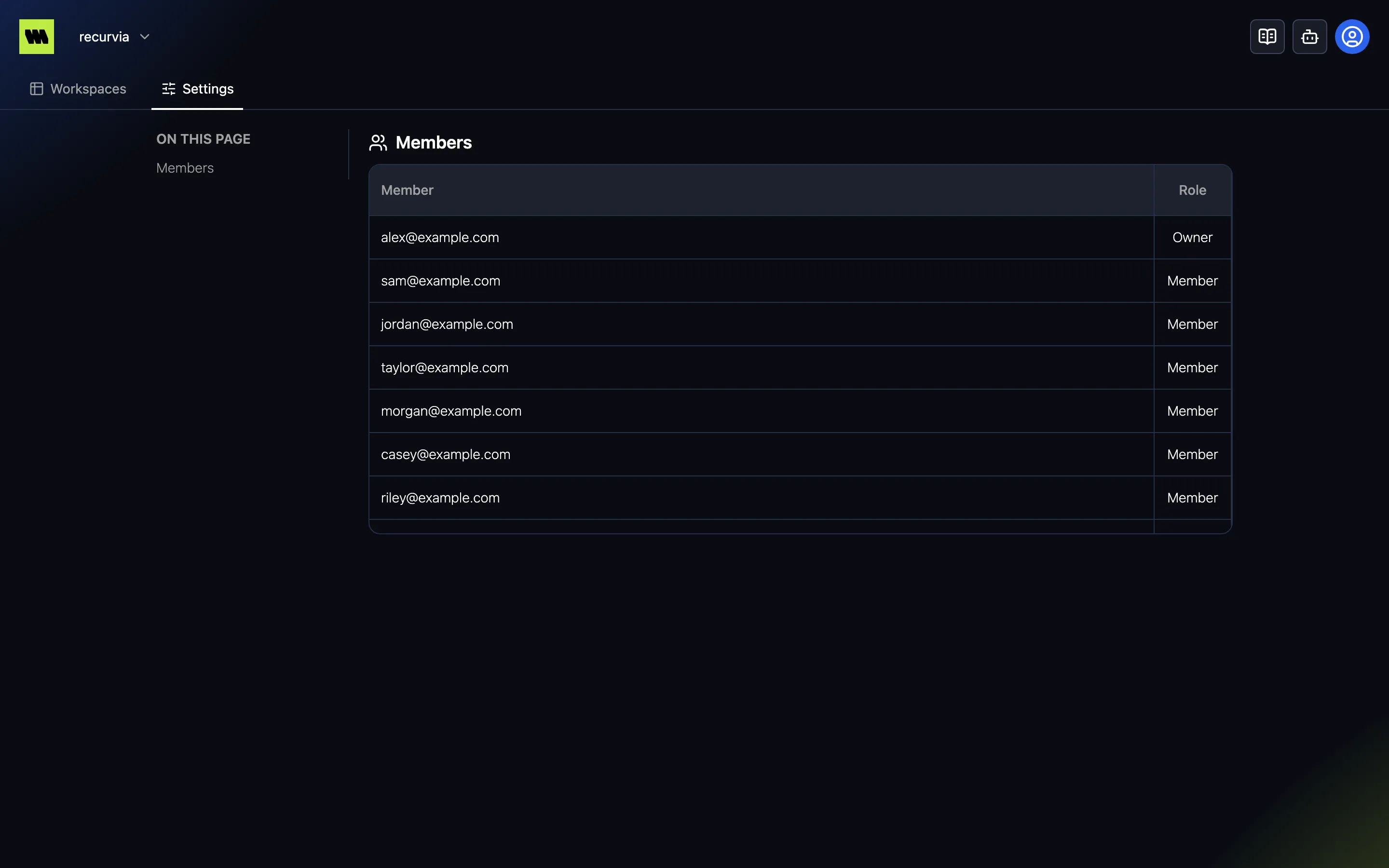
See Members & roles for how to invite people, what each role can do, and how to change roles.
Related
Section titled “Related”- Members & roles — invitations, organization and workspace roles.
- Workspaces — the workspaces inside an organization.